ProtonVPN and NordVPN Give Windows Users Direct Control Over App Traffic Routing
Windows users can now specify which applications bypass encryption to maintain speed or local network access without toggling the connection.
By Maya Bauer ·
Virtual private network services have long offered split tunneling, a feature that allows users to route specific traffic directly to the internet while keeping other data encrypted. This option helps mitigate the speed reduction that often accompanies VPN usage and prevents location masking from interfering with local services.
ProtonVPN and NordVPN recently integrated this functionality directly into their Windows desktop clients. The update allows users to define precisely which programs connect through the encrypted tunnel and which connect via the standard network interface.
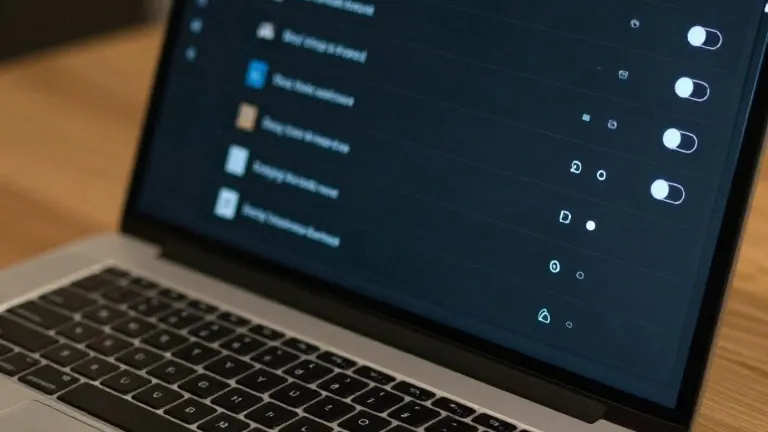
In the ProtonVPN application, a split tunneling link is located on the right side of the main console. Users can enable the feature and then choose to include specific apps in the tunnel or exclude them. If a user selects the exclude option, all other applications remain protected by default.
The NordVPN interface presents the option through a settings menu. Users click the cog icon in the bottom left corner, select split tunneling, and activate the toggle. From there, they can select specific applications to receive VPN protection or leave them outside the tunnel.
This app-based approach differs from other available methods, such as URL-based or route-based tunneling. Those alternatives rely on domain names or IP addresses and are less common in consumer software. App-based control is more intuitive for general users who want to keep banking apps secure while allowing weather applications to access local data.
The feature is particularly useful for online gaming and smart home devices. Gamers can exclude their game clients to reduce latency, while users can ensure that printers and smart gadgets on the same Wi-Fi network remain accessible without being routed through a distant server.
Mobile platforms also support split tunneling, though with limitations. Android devices and desktops offer similar app-level controls. iPhones typically restrict users to excluding specific websites and IP addresses rather than individual applications. Once configured on any platform, the settings persist without requiring constant manual adjustment.