Gemini app merges Android settings
Google consolidates scattered preferences into a single page and limits the recent chat list to five entries on Android devices.
By Bianca Ruiz ·
Google is restructuring the Gemini app for Android to resolve fragmentation in user controls. The company has merged scattered configuration options into a single interface and reorganized the navigation drawer to prioritize the most frequently used tools over exhaustive lists.
The update deploys through a server-side mechanism, meaning it reaches users without requiring a new application download. This rollout follows the recent transition from Spark to Task features. On the interface, the search function has moved to the top-right corner. New chat remains the first item in the list, while Library has shifted from the bottom of the drawer to a position directly beneath New chat.
To manage screen real estate, the app now displays only five recent chats initially. A "More" option allows users to expand the list if needed. For AI Ultra subscribers, the full navigation includes New chat, Library, Images, Scheduled, Daily brief, Customize, Students, Videos, and Gems. This cap forces users to engage with the expandable menu rather than scrolling through a long list of past interactions.
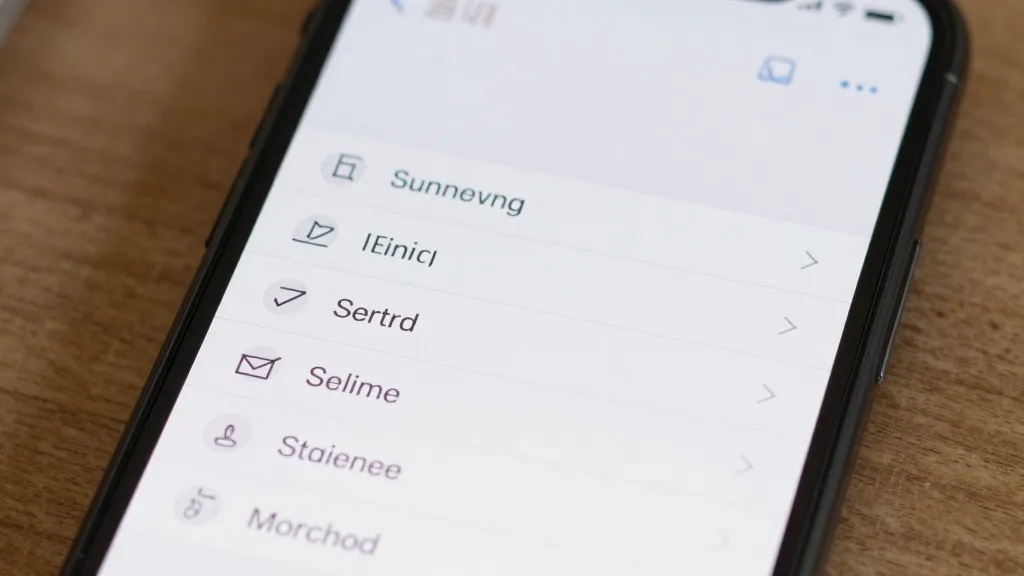
The settings overhaul addresses a long-standing division of preferences. Previously, users had to toggle between the account menu and a separate Gemini Settings area to change options. Google has now unified these into one page. The account menu retains a narrow scope, handling only account switching, feedback, and help requests. The new Settings page opens with Manage account and Usage limits, followed by a Preferences section.
The Preferences section lists Notifications, Personal Intelligence, Avatar, Task settings, Theme, Skills, Voice, Media, Device controls, Cart and orders, and Gemini Notebook. Theme is the only entry marked as new in this section. Two additional sections complete the layout. Data & privacy includes Import memory, Contact info from your devices, Gemini Apps Activity, Your public links, and the Privacy Help Hub. A final Get support section lists Help, Report a problem, About, and Updates.
These changes reached iOS, macOS, and the web app last week alongside the launch of Gemini 4 Argon. Android users are seeing the update arrive more broadly now. Recent developments for the platform also include Gemini Notebook becoming a Connected App, free users moving to Auto models, and a new Map tool that replaced the slash shortcut with an at sign.